
Agentforce enhances business operations by enabling AI agents to manage customer inquiries and utilize Salesforce data effectively. While Salesforce advertises a $2 per conversation rate, actual costs can vary significantly based on agent types, channels, and additional services. Understanding the nuances of billing, including what constitutes a billable interaction and the implications of different pricing models, is crucial for businesses. Hidden costs may arise from testing, complex interactions, and data access. To optimize spending, businesses should define clear use cases, estimate usage accurately, and monitor consumption regularly.
Agentforce has made it easier for businesses to move beyond AI assistants that only answer questions. Its agents can now handle customer enquiries, update records, work across business processes, and take action using connected Salesforce data. But as these agents become part of everyday operations, the cost of running them deserves closer attention.
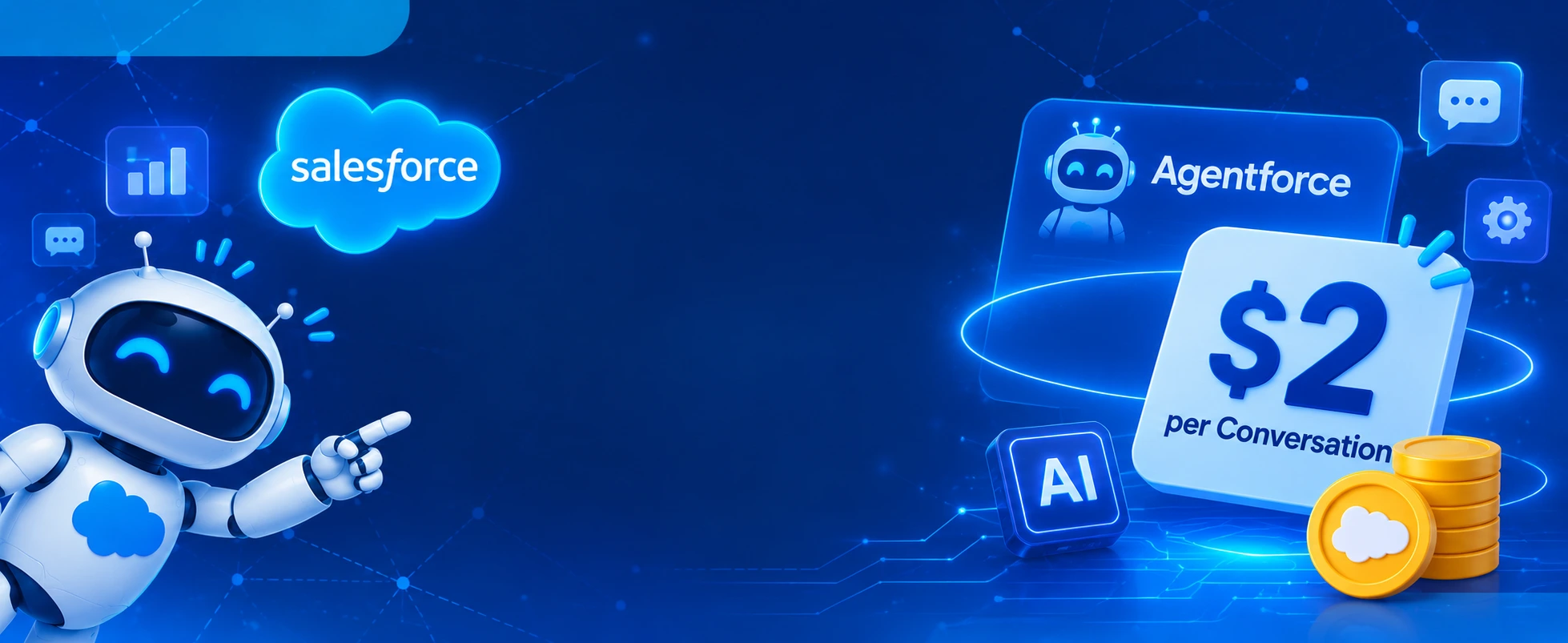
Salesforce lists conversations at $2 each, which gives businesses a simple starting point when estimating usage. However, the actual spending can look different once multiple agents, channels, integrations, testing, and data services become part of the setup.
Understanding Agentforce consumption pricing means looking beyond the advertised rate. Businesses need to know what counts as a billable interaction, which pricing model fits their workload, and where additional usage can enter the picture.
What Does $2 per Agentforce Conversation Actually Cover?
Salesforce currently lists a consumption-based Conversations option at $2 USD per conversation. It is designed for customer-facing agents, with usage tracked through Digital Wallet. This is not the only way to purchase Agentforce, and the final commercial terms should be checked with Salesforce.
A conversation is not simply every message a customer sends. Salesforce defines billable usage differently depending on the agent type and channel. For messaging channels, the conversation window can be based on a 24-hour period, while other interaction types follow their own metering rules.
This distinction matters when reviewing Salesforce Agentforce pricing because a customer may send several messages within one conversation. The number of messages alone does not necessarily represent the number of billable conversations.
A quick look at the current pricing options
Salesforce offers different ways to pay for Agentforce, depending on whether a business wants to pay per conversation, per action, or through a licensing arrangement.
| Pricing Model / License | Price | What’s Included |
|---|---|---|
| Salesforce Foundations | $0 | Agentforce Builder, Prompt Builder, Agent Script, Agentforce Coworker, and Agentforce Vibes. |
| Flex Credits | $500 per 100,000 credits | Customer-facing agents, employee-facing agents, Agentforce Voice, Digital Wallet, flexible buying models, Agentforce Vibes, and Slackbot. |
| Conversations | $2 per conversation | Customer-facing agents and Digital Wallet. |
| Agentforce Add-ons | $125 per user/month | Unmetered Agentforce usage for employees, Salesforce AI capabilities, AI-powered analytics, Prompt Builder, and more. Available for Sales, Service, and Field Service and Operations. |
| Agentforce Industries Add-ons | $150 per user/month | Unmetered Agentforce usage for employees, industry-specific AI, and capabilities included in Sales Cloud and Service Cloud add-ons. |
| Max Edition | Starting at $550 per user/month | Agentforce add-on included and 2.75 million Flex Credits per organisation per year. Available for Sales, Service, Sales/Service, and Industries editions. |
| Agentforce User License | $5 per user/month | Agentforce access for employees, access to limited Salesforce CRM objects, and metered employee usage. Requires Flex Credits. |
| Agentforce Coworker User License | $50 per user/month | All Coworker searches, Salesforce security and governance policies, and 30 MB of indexing per user per month for connecting enterprise data. |
The Difference Between Paying per Conversation and per Action
The choice between conversation-based and action-based billing can change the way a business forecasts its AI spending. A conversation model is easier to estimate when customer interactions are relatively predictable, while Flex Credits provide a different way to measure workloads involving multiple agent actions.
Conversations: Pay for customer interactions
With the conversation model, businesses pay for eligible customer-facing agent conversations. It can be useful for service enquiries, order-related questions, and other customer interactions where the conversation is the main unit of usage.
However, businesses should check the relevant billable usage type for each channel. For example, Salesforce documents different conversation-window rules for messaging channels and different metering behaviour for agent types such as Sales Coach and SDR.
Flex Credits: Pay for individual actions
Flex Credits are based on the actions an agent performs rather than simply counting a conversation. Salesforce currently lists Flex Credits at $500 per 100,000 credits.
A standard Agentforce action uses 20 Flex Credits, which works out to $0.10 at the published rate. Voice actions use a different credit amount, and other usage types can have their own multipliers.
This model gives businesses more flexibility when they use agents for different tasks, such as:
- Updating customer or sales records.
- Summarising a case or customer interaction.
- Answering product-related questions.
- Running custom prompts and Salesforce flows.
- Supporting internal employee workflows.
When comparing Salesforce Agentforce pricing, it is worth mapping the expected actions before choosing a credit allocation. A customer support agent and an internal sales assistant may have very different usage patterns, even when both operate within the same Salesforce org.
Where the Hidden Costs Can Enter the Picture
The advertised rate is only one part of the budget. The wider cost of running agents also depends on how they are designed, tested, connected, and monitored.
1. Agent testing and ongoing improvements
An agent needs to be tested before it is trusted with customer-facing work. Teams may need to check its responses, review action outcomes, adjust instructions, and test how it handles different customer situations.
Salesforce also distinguishes between development and testing activities when it comes to metering. While building certain components in Agentforce Builder is not metered, previews, testing through supported tools, and some validation activities can consume usage.
This is an important part of Agentforce consumption pricing because teams may use credits before an agent is even available to customers. A testing budget should therefore be planned separately from expected production usage.
2. Complex conversations and multiple actions
Not every customer request requires the same amount of work. Asking about an order status is different from requesting a refund, changing an address, or resolving a delivery issue that needs information from multiple systems.
An agent may need to retrieve records, check eligibility, run a flow, update information, and confirm the result. These additional operations can affect usage under the applicable billing model.
Salesforce’s pricing documentation explains that Flex Credits are deducted according to the usage type and its applicable multiplier. Businesses should therefore avoid estimating costs only from the number of incoming customer enquiries.
3. Data access and connected systems
Agentforce becomes more useful when it can work with relevant customer and business information. However, connecting CRM records, Data 360, external applications, and other services also brings configuration and usage considerations.
For example, an agent may need to retrieve customer history, check product availability, or access information from an external platform before responding. Depending on the services involved, these activities can introduce additional consumption or integration costs.
The cost review should include:
- Data 360 or other applicable data-service consumption.
- External API usage and integration services.
- Data preparation, mapping, and ongoing maintenance.
- Security, permissions, and monitoring requirements.
These costs are not automatically included in the $2 conversation price. Their impact depends on the architecture and services selected.
Why AI Agent Costs Need Closer Attention in 2026
The wider AI market is also showing that more capable agents do not always mean lower operating costs. In its May 2026 State of Service research, Salesforce found that 70% of customer service organisations using AI agents reported measurable value within 60 days of deployment.
That is encouraging, but it does not mean every agent will deliver the same result. The value depends on the work assigned to it, the quality of the information available, and whether it can complete tasks without unnecessary hand-offs.
A business should look at both sides of the calculation: how much it spends on an agent and how much work it actually completes. A lower cost per interaction is useful, but not if the agent repeatedly fails to resolve requests or sends customers back to human support.
Gartner’s October 2026 analysis adds another reason to be careful. Its review of nearly 1,000 case studies found that fewer than 10% of agentic AI deployments were delivering robust ROI. Gartner also predicts that inference costs per agentic workflow could increase more than fivefold through 2028.
This does not mean businesses should avoid Agentforce. It means the implementation needs a clear purpose, realistic usage estimates, and a way to measure whether the agent is delivering enough value to justify its ongoing cost.
How Businesses Can Keep Agentforce Consumption Under Control
Cost management should start before an agent goes live. Once usage increases across departments and customer channels, it becomes harder to identify which workflows are driving unnecessary consumption.
A few practical steps can make a difference:
- Start with a defined use case: Choose a task with a clear business outcome instead of giving an agent too many responsibilities from the beginning.
- Estimate usage by workflow: Calculate expected conversations, actions, and channel activity separately.
- Set limits on agent actions: Avoid repeated searches, unnecessary record updates, and workflows that do not contribute to the requested outcome.
- Improve data quality: Make sure agents can access accurate and relevant records without repeatedly searching through incomplete information.
- Test before scaling: Use realistic scenarios to identify unnecessary actions, incorrect responses, and avoidable hand-offs.
- Monitor consumption regularly: Use Digital Wallet and relevant usage reports to review consumption against the expected budget.
- Track business results: Compare the cost of running an agent with resolution rates, time saved, customer satisfaction, and the amount of work completed.
McKinsey’s August 2026 State of AI survey found that 20% of respondents said AI-related operating costs, including token costs, were constraining their organisation’s AI use. The finding is a useful reminder that usage needs to be managed alongside business value, particularly as AI moves into more complex workflows.
Choosing the Right Agentforce Pricing Model for Your Business
There is no single pricing option that fits every Agentforce deployment. A business handling a steady volume of customer service conversations may prefer a conversation-based model, while one using agents across several internal and customer-facing workflows may want to evaluate Flex Credits or applicable user licensing.
Before making a decision, consider:
- The number of customer-facing and employee-facing agents.
- Expected conversation volume and the channels being used.
- The number and type of actions each agent performs.
- Whether the workflow requires Data 360 or external integrations.
- Testing, monitoring, and ongoing maintenance requirements.
- The expected business outcome and how it will be measured.
A proper review of Salesforce Agentforce pricing should also include the buying model. Salesforce currently lists Pre-Purchase, Pre-Commit, and PayGo options for eligible consumption-based usage. These differ in how usage is funded and billed, so businesses should confirm which options are available under their agreement.
Wrapping Up
The $2 conversation rate gives businesses a useful starting point, but it should not be treated as the complete cost of running Agentforce. Testing, connected data, complex workflows, and ongoing optimisation all deserve a place in the budget.
For organisations planning an implementation, HIC Global Solutions, as a Salesforce partner, can help assess use cases, plan integrations, and configure Agentforce around actual business requirements. The goal is to build agents that deliver useful outcomes without letting consumption grow beyond what the business can justify.
Frequently Asked Questions
Salesforce lists Agentforce Conversations at $2 per conversation for customer-facing agents. Actual costs depend on eligible usage, channels, and the applicable billing rules.
Agentforce pricing options include customer-facing agents, employee-facing capabilities, Flex Credits, and licensing features. What is included depends on the selected plan and add-ons.
Conversations charge based on eligible customer interactions, while Flex Credits measure individual agent actions. The right option depends on workflow complexity and expected usage.
Businesses can control consumption by defining focused use cases, limiting unnecessary agent actions, improving data quality, testing workflows, and monitoring usage through Digital Wallet.
Yes. A Salesforce partner like HIC Global Solutions can help businesses assess use cases, configure integrations, estimate consumption, and optimise Agentforce implementations.

 India
 USA
 UK
 Canada