

Loading...

Connecting Webflow with Salesforce usually means dealing with a lot of coding, handling APIs, and fixing tricky errors. But what if you didn’t have to write a single line of code? In this blog, I’ll show you how to easily set up a secure and real-time integration between Webflow and Salesforce using a simple tool called MultiSync Made Easy.

What You’ll Need Before We Start

  • Access to a Salesforce org.
  • A Webflow account to connect and test the integration

Let’s dive into the step-by-step guide:

Step 1: Install the MultiSync Made Easy App

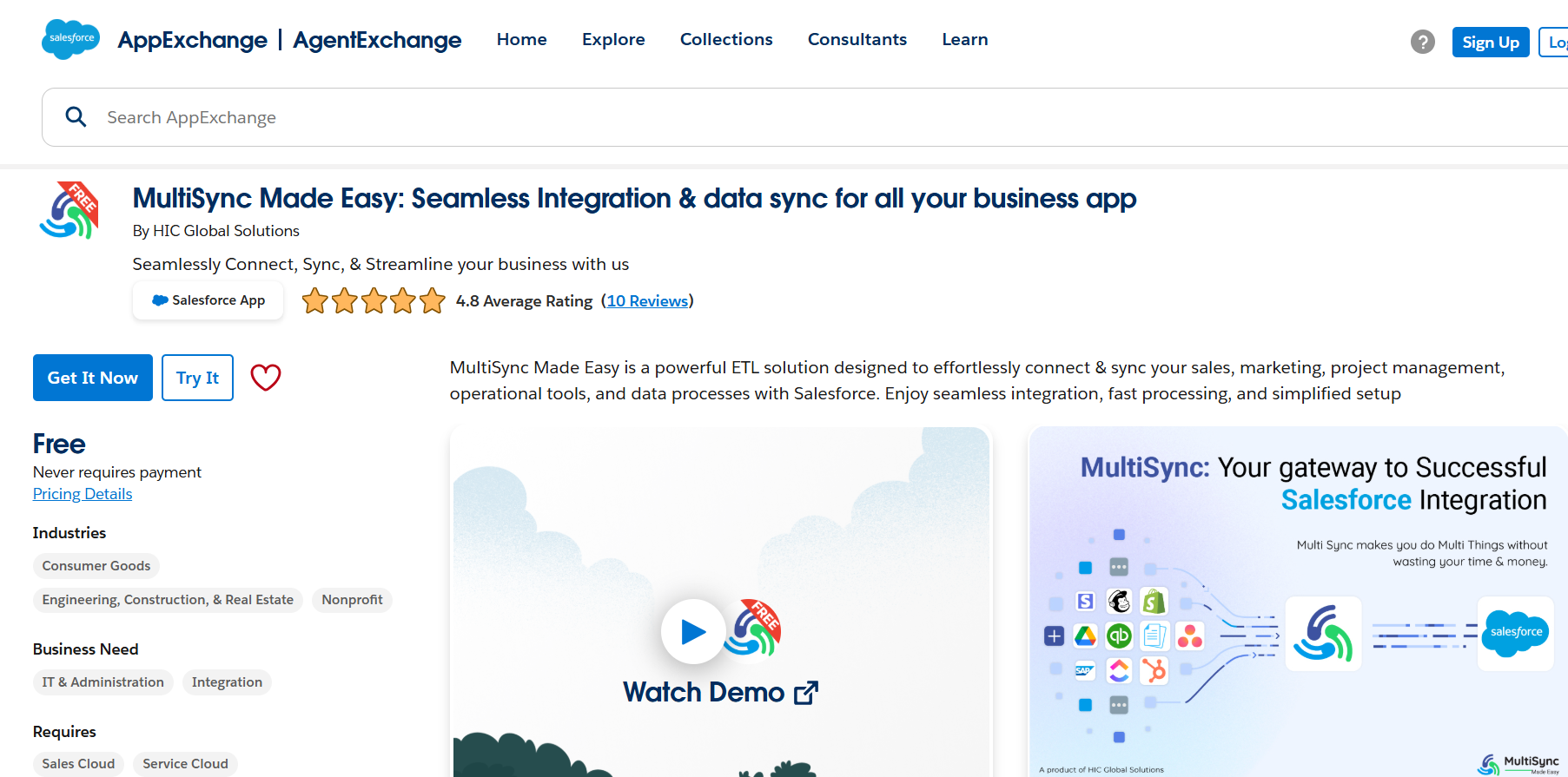
First things first; head over to the Salesforce AppExchange and search for MultiSync Made Easy.

Screenshot 2025 10 23 172108

Once you find it, click on “Get It Now”. Also, you can follow the steps to install the app in your Salesforce org. After installation, open the App Launcher (that grid icon in the top left) and search for “MultiSync Made Easy” to access the app.

Step 2: Connect Webflow with MultiSync

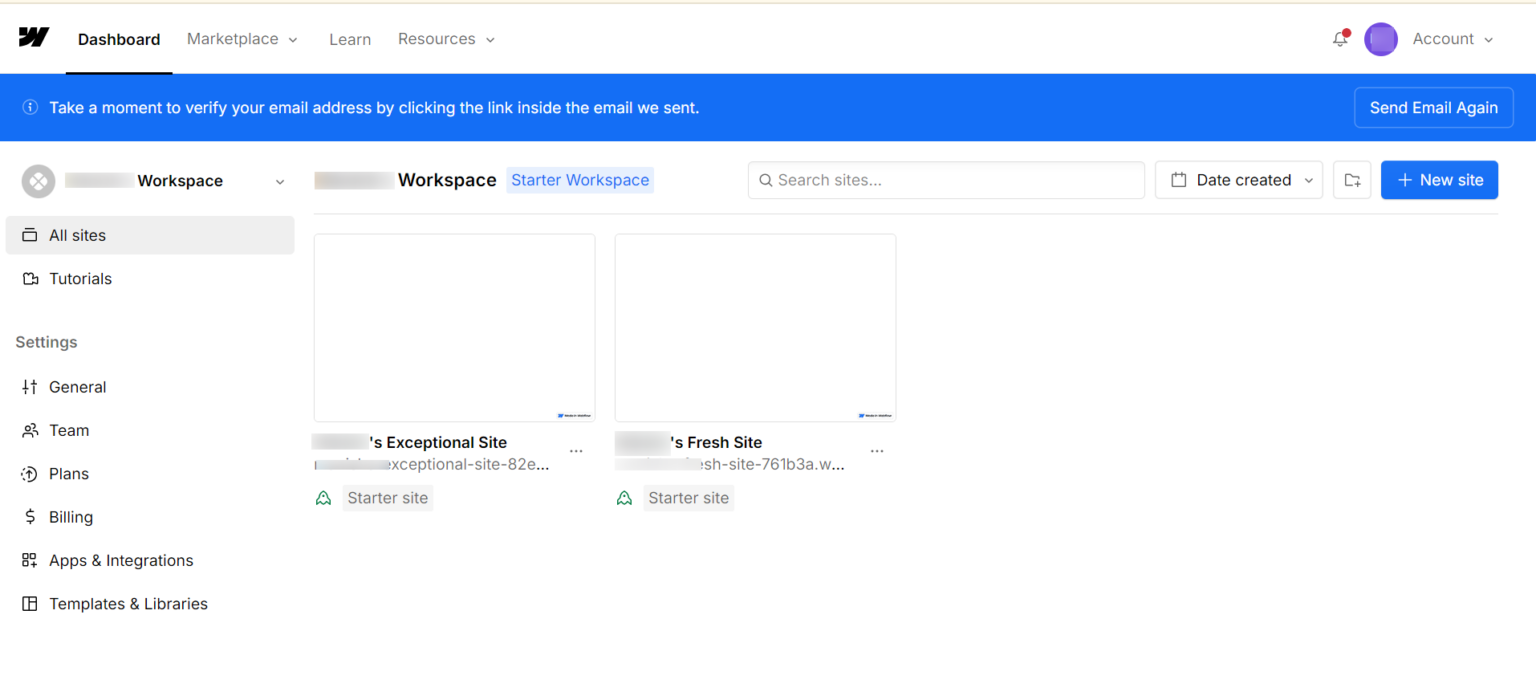
After logging in to the dashboard, create a site, and after that, go to the Site settings for the Site you want to create the API key for.

After clicking on the setting of the Site, your screen will be look like this.

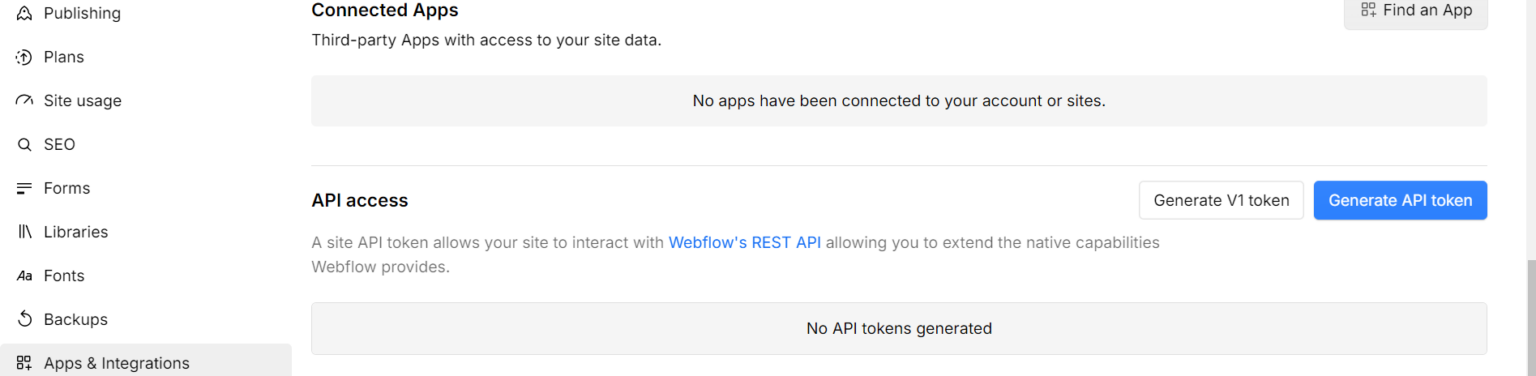
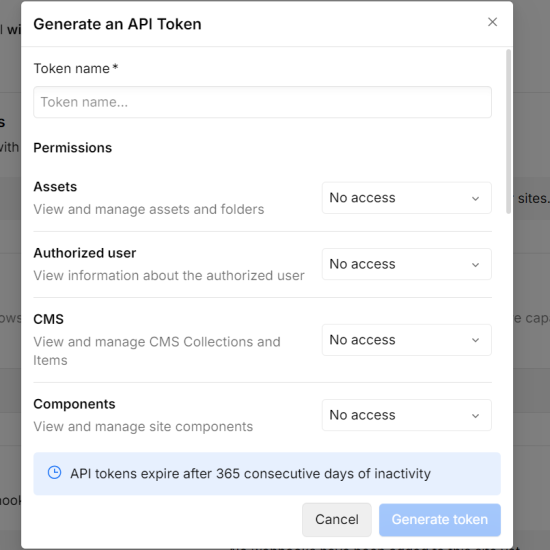
After that, find the Label “Apps & Integration” from the above image and click on that to generate your new API token.

image1 1
image9 1

Note: Click on the “Generate token” button to get an API Key, and also give the required scopes (with reference of the API Docs mentioned in the final step) while creating your API Token.

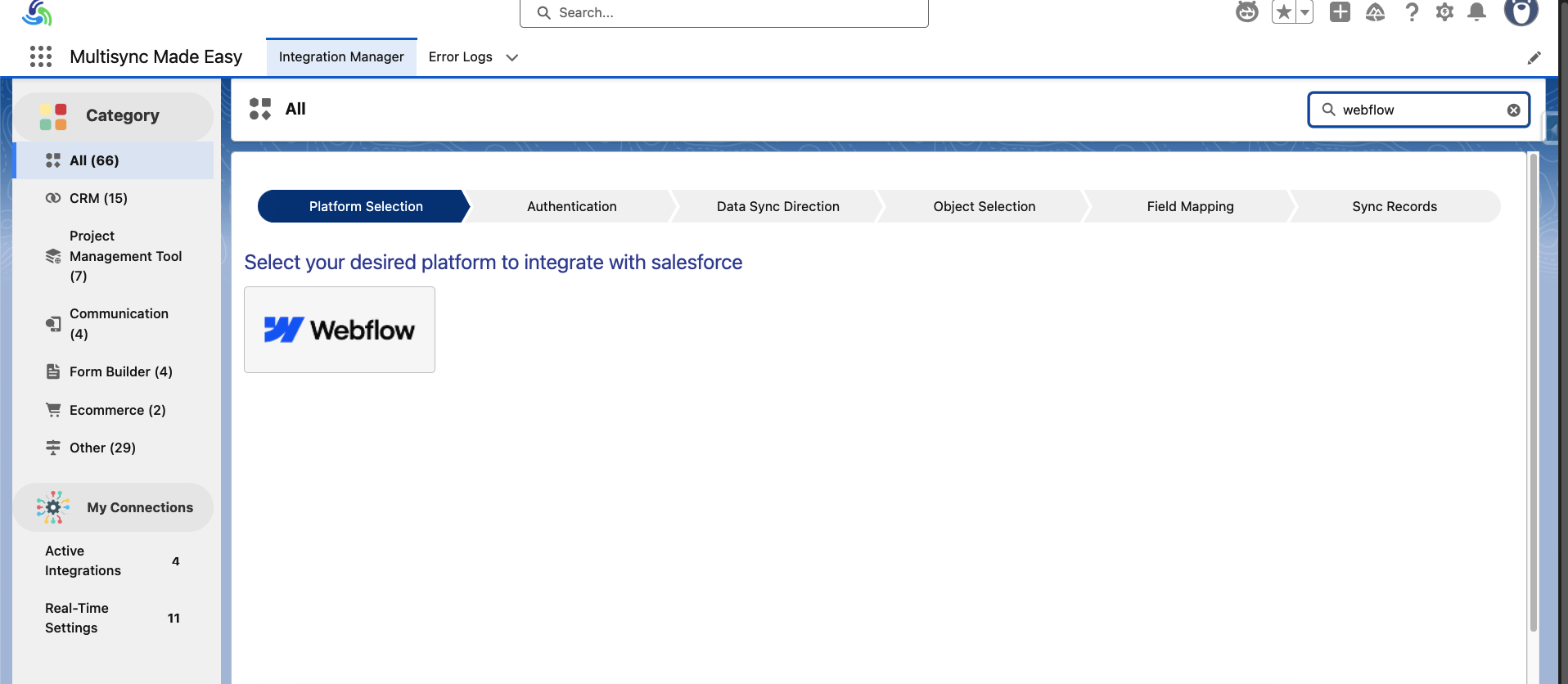
Now, go to the MultiSync home page and search for the platform “Webflow.”

image5

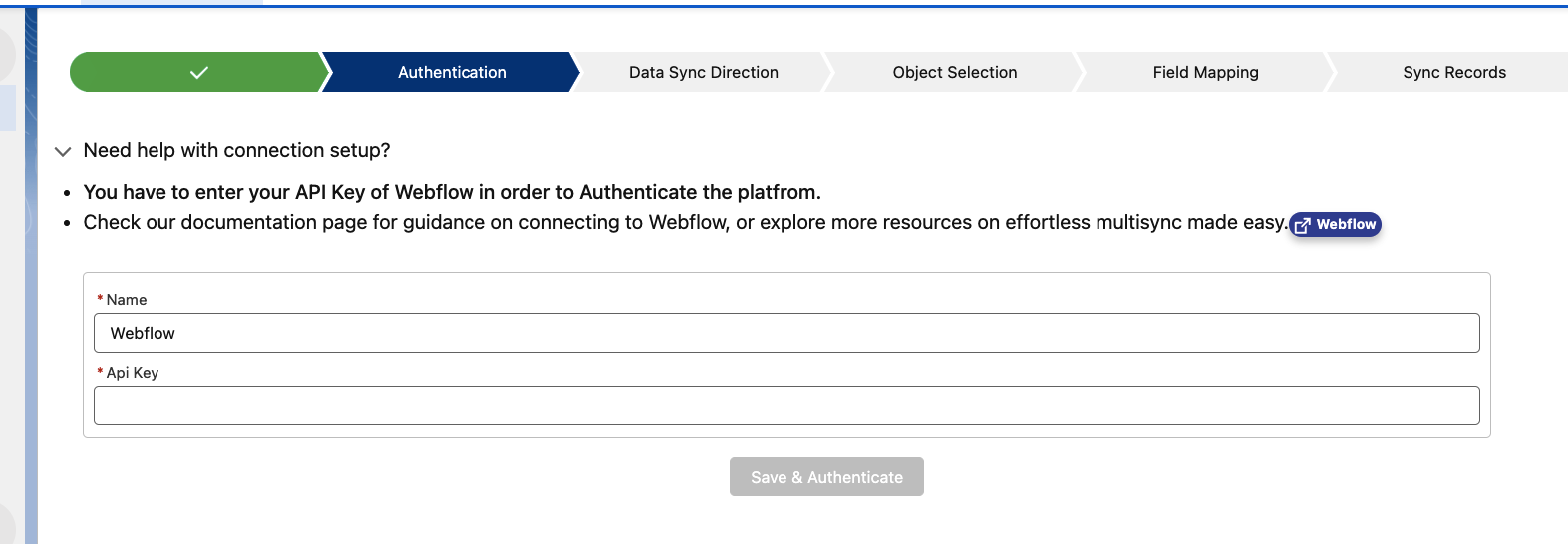
Paste your API key and name your integration, and then click on the save and authenticate button.

image12 1 1

Step 3: Map Salesforce Objects with Webflow

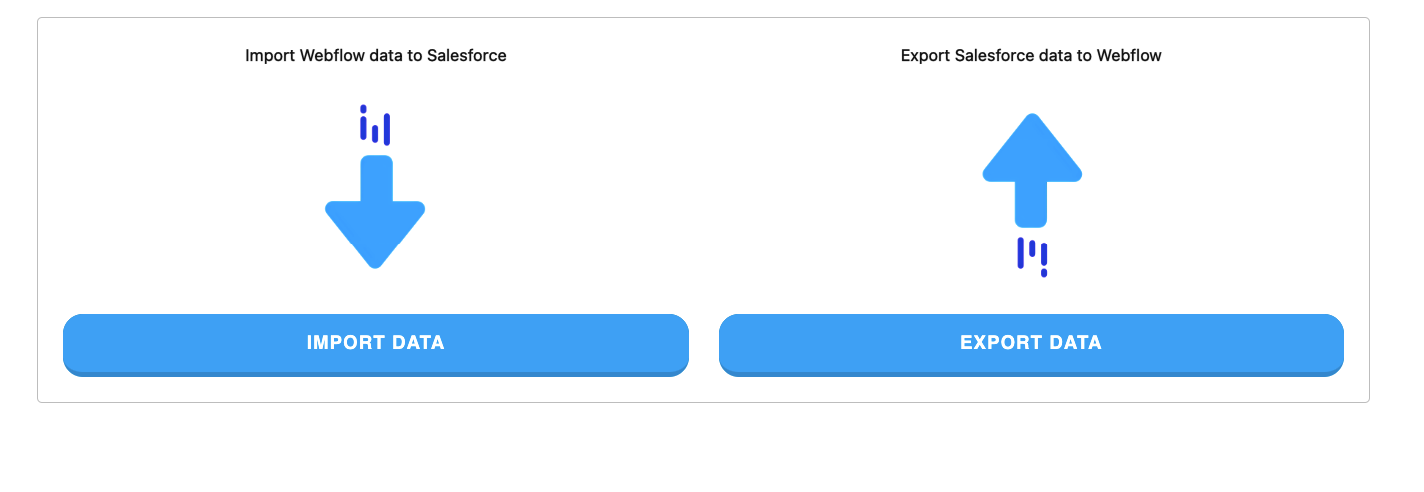
Here, select whether you would like to import or export data.

image10 1

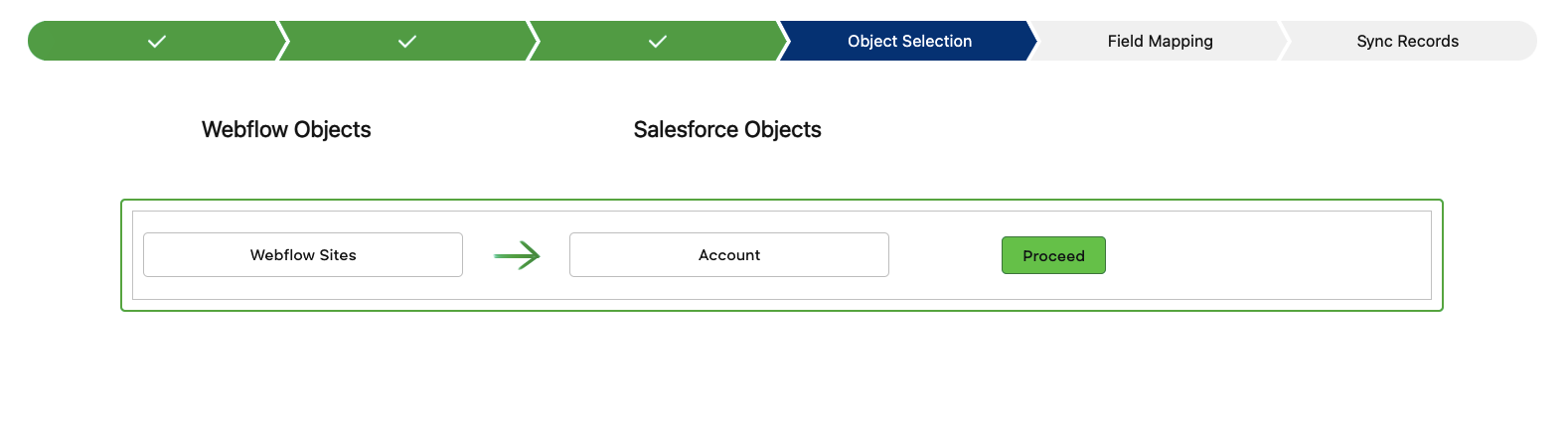
After that, select the ‘proceed’ button for the object you want to import data for.

image6 1

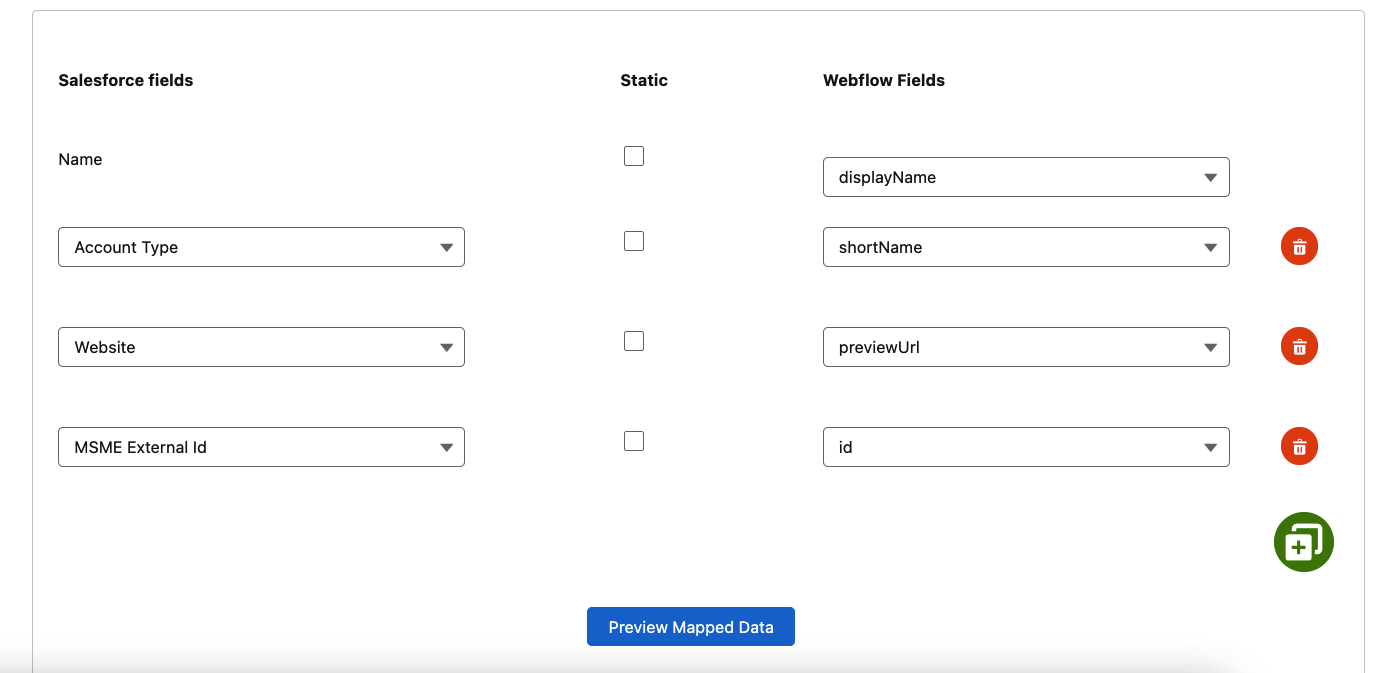
Then, you can change the field mapping or go with the default one.

image7 1

Step 4: Sync Data

We can schedule the data sync for a specific time, or we can sync it instantly.

image2 1

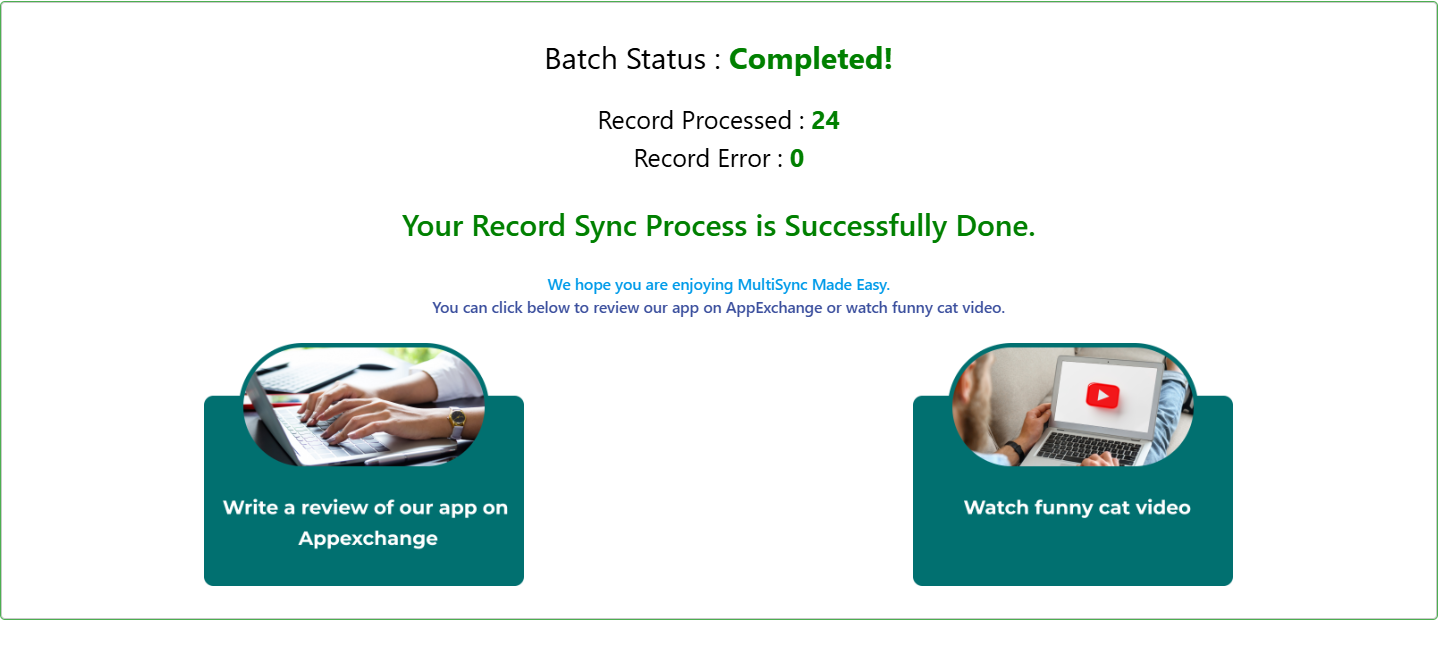
After syncing data, all the data with the selected object is inserted in Salesforce, and you can monitor it with real-time progress.

image4 1

Watch Live Demo

Conclusion

Connecting Webflow with Salesforce doesn’t have to be complicated, and with Native ETL Tool “MultiSync Made Easy”, it isn’t. You can sync data between different objects, send info to Webflow, and even keep things up to date in real time using webhooks; all without writing a single line of code.

If you’re looking for a simple, no-stress way to integrate Webflow with Salesforce, this tool is definitely worth checking out. 

No Data Found.

Related Articles
How to Create Custom Agent tool in Hubspot

Creating a custom agent tool in HubSpot helps you automate workflows and tailor interactions to your business needs. It enables you to extend HubSpot’s functionality while improving efficiency and customer experience. In this blog post, we’ll explore how to create custom agent tool in Hubspot Prerequisite Hubspot Developer Account Basic Knowledge of node.js, and REST […]

Read More

Salesforce B2B Commerce Cloud A Step by Step Implementation Guide 1

B2B buyers have changed a lot over the last few years. They no longer want to call a sales rep for every small order, wait for a quote, or go back and forth on product availability. They expect the same ease they get in modern online shopping, but with B2B-specific needs like negotiated pricing, account-based […]

Read More

How to Manually Sync Salesforce to QuickBooks Using the Sync Button 1

Integrating Salesforce with QuickBooks Online (QBO) allows you to manage your financial data directly within your CRM. The Sync Button provides a simple and effective way to manually send Salesforce records to QuickBooks whenever needed. This is especially helpful when you want instant updates or prefer full control over which records get synced. Why Use […]

Read More

Mastering Pattern and Matcher Classes in Salesforce Apex for Advanced Text Processing

AI Agents are no longer a futuristic concept inside the Salesforce ecosystem; they are rapidly becoming a core layer of how businesses sell, serve, and scale. As Salesforce continues to embed intelligence deeper into every cloud, Salesforce AI Agents are evolving from simple automation assistants into autonomous, context-aware collaborators that can act, reason, and adapt […]

Read More
Complete Guide on Sales Cloud Implementation 2026

With 72% of sales rep time going into data entry, research, and admin tasks, there simply isn’t enough bandwidth to keep up. They hit a wall sooner or later. If you’re running a sales team or just trying to get your business organized, you probably already know that managing leads, contacts, and opportunities can get […]

Read More

Comprehensive Guide to Salesforce Partner

Salesforce is transforming how businesses sell, serve, and engage — but unlocking its full potential requires the right expertise. Partnering with a certified Salesforce Partner ensures that your CRM is implemented, customized, and optimized to fit your unique business needs. These experienced professionals help turn Salesforce into a powerful ecosystem that enhances customer engagement, improves […]

Read More

Our Location worldwide
Indian Flag India
3rd Floor, A-10, Pegasus Tower, Sector 68, Noida, Uttar Pradesh 201301 +91-1203239658
United States of America Flag USA
333 West Brown Deer Road Unit G – 366 Milwaukee WI, USA 53217 +1(262) 310-7818
United Kingdom Flag UK
7 Bell Yard, London, WC2A 2JR +44 20 3239 9428
Canada Canada
HIC Global Solutions INC
6D - 7398 Yonge St #1124 Thornhill, ON L4J 8J2 Canada +1(262) 310-7818